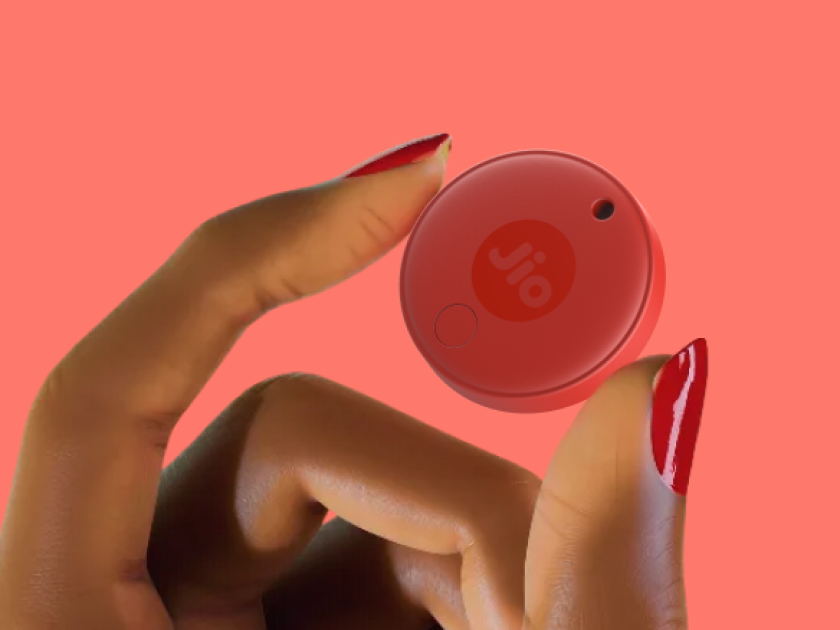
JioTag (2nd generation)

Tag it, locate it.

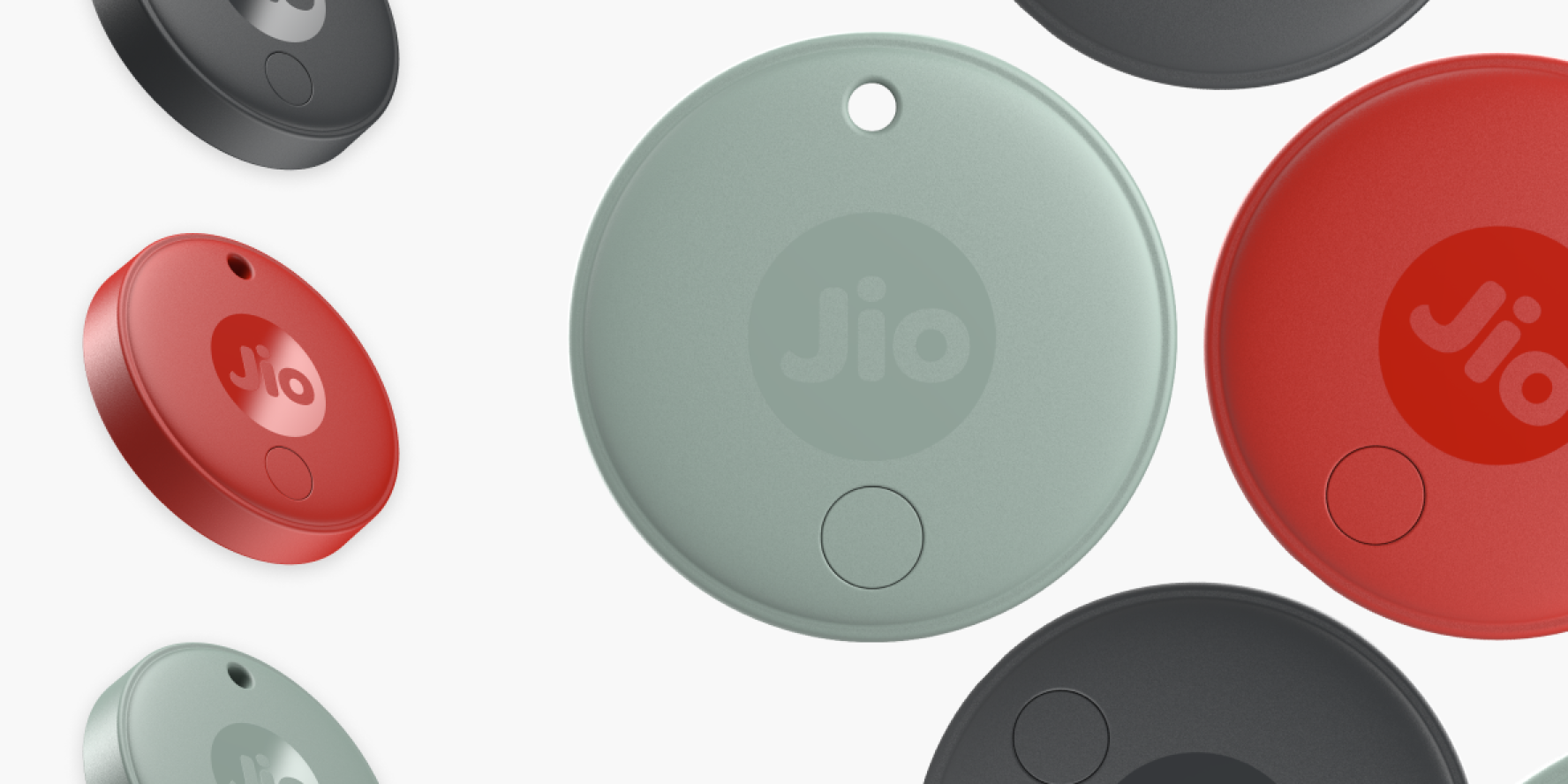
JioTag (2nd generation) trackers in Red, Grey and Olive
Keep track of keys, wallets, bags, luggage and more with JioTag. Seamlessly works with Apple Find My™ and Google Find Hub to help you locate your belongings with confidence.

Seamlessly works with either

Works with Google Find Hub Works with Apple Find My

Designed to locate and recover faster.

Loud Built-in Alarm
Sound a 120 dB beep to find nearby items instantly.
Smart Item Finder
Out of range? Check the last known location and rely on the global network to update it.
No SIM or Subscription Needed
The JioTag global item finder does not require any SIM cards or subscriptions.

Now available in beautiful colours.

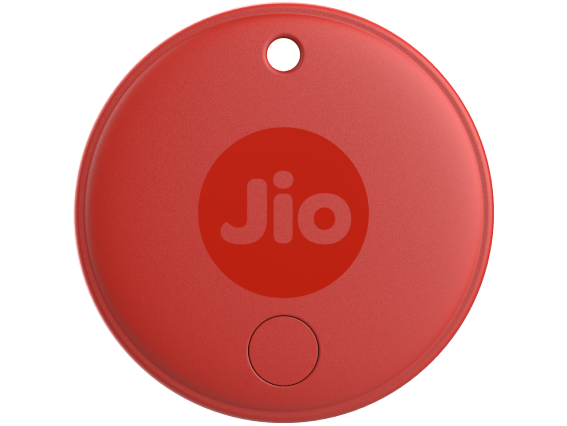
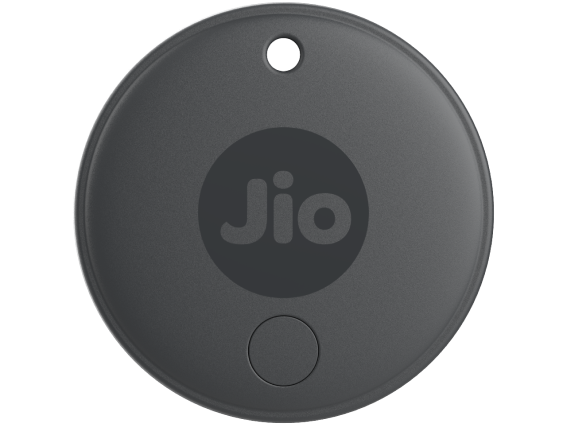
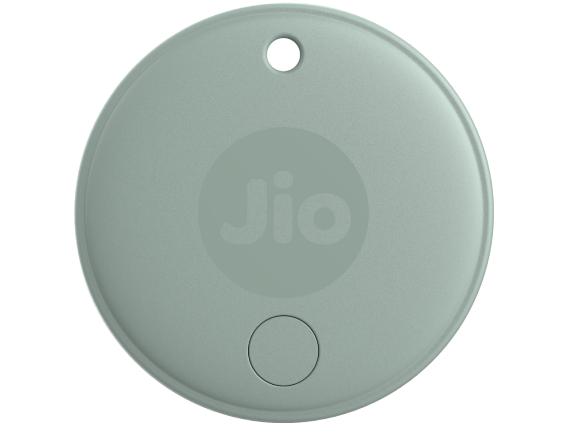
Get your JioTag (2nd generation) in three vibrant colours - Red, Grey and Olive.
JioTag (2nd generation) in Red
JioTag (2nd generation) in Grey
JioTag (2nd generation) in Olive

Easily find your belongings.

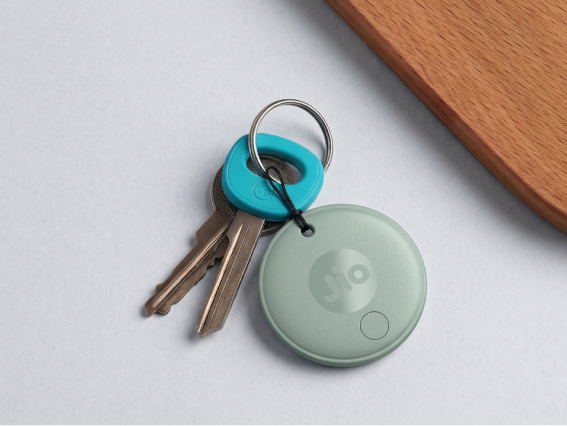
An Olive JioTag on a set of keys
Everyday essentials
Attach JioTag to the things you often misplace — keys, wallet, luggage, laptop bag — and save yourself the daily hassle of searching.
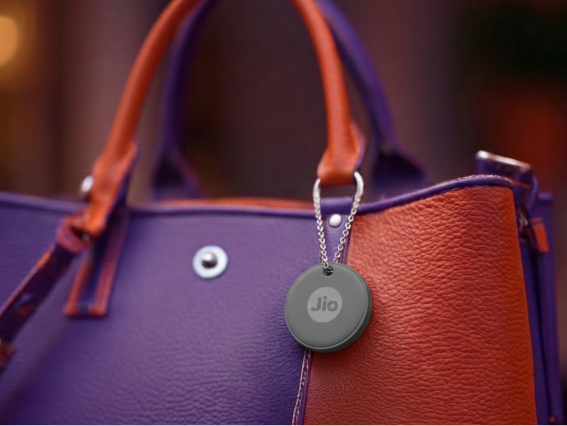
A Grey JioTag clipped to a handbag
Travel and luggage
When travelling, JioTag can help you track suitcases or backpacks — locally and internationally.
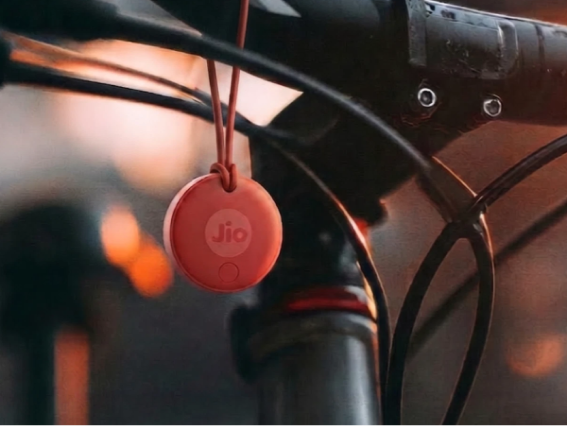
A Red JioTag hanging from a bicycle
Family and shared items
You can share access to the JioTag with trusted family/friends — handy when everyone wants the car keys.

Long battery life and low maintenance.

Year-long battery life, plus a spare.

Uses a standard CR2032 battery that lasts up to 12 months, with a spare included — and you can replace it yourself.

Lightweight and rugged.

Compact at 32 mm diameter and 8.9 mm thickness, the IP64 rated splash and dust proof JioTag (2nd generation) attaches easily to keys, wallets or luggage without adding any bulk - simply treat it like any other accessory.
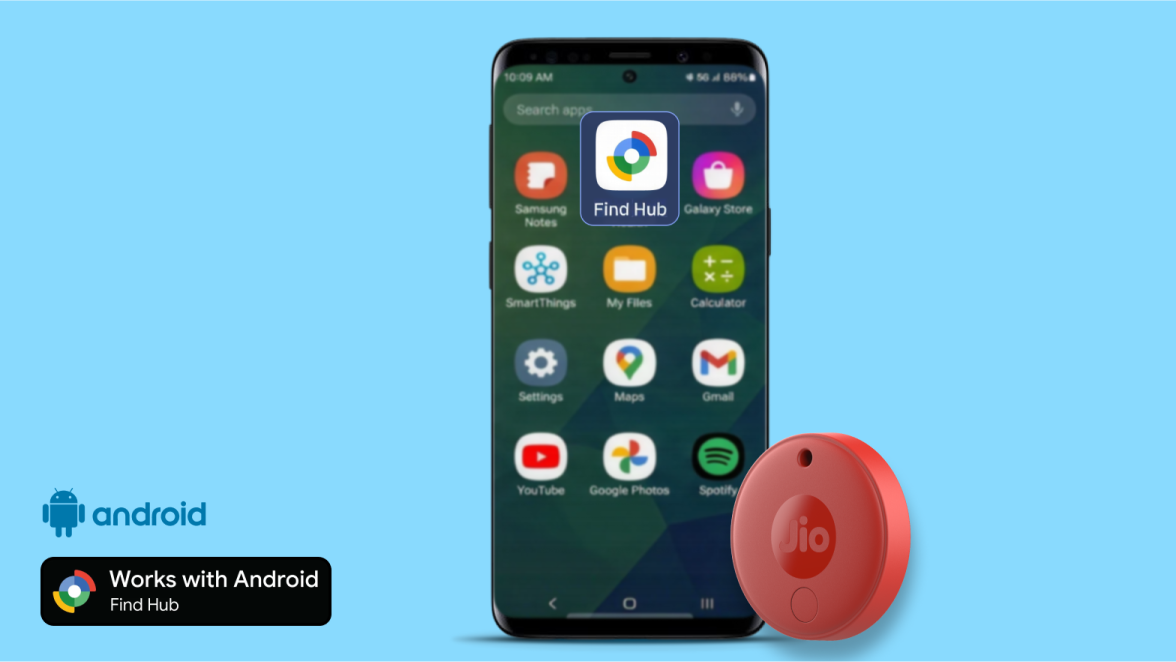
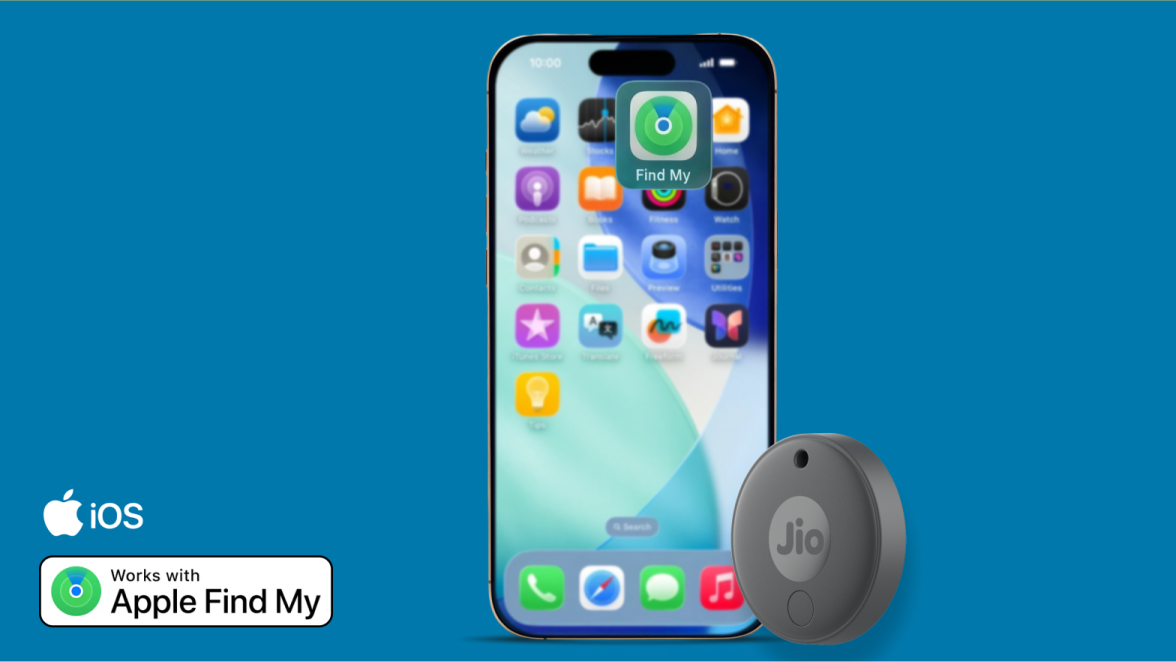
Effortless setup that works across your devices.

A Red JioTag paired with an Android phone, marked Works with Android
A Grey JioTag paired with an iPhone, marked Works with Apple Find My
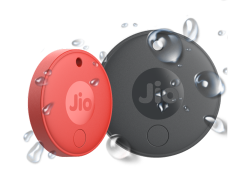
Red and Grey JioTags with water droplets splashing off them
Now built for everyday adventures.
IP64-rated protection against dust and water splashes, so your JioTag stays ready wherever life takes you.

Shop with Jio

Shop from JioMart
The JioTag series is now available at your favourite online retailer - JioMart.
Free and fast delivery
JioMart delivers JioTag quickly to your home, with zero delivery charges anywhere in India.
We're here for you
If you face any issues with your order, just reach out to JioMart's customer care team.

Still have questions?

The second-generation JioTag helps you find everyday items such as keys, wallets, luggage, documents, cameras, and other valuables if they are lost or misplaced. Simply, attach the JioTag to your item and track its location using the Apple Find My app on iOS or the Google Find Hub app on Android.

No, the second-generation JioTag does not need a SIM card. It uses Bluetooth and supported finding networks to help you locate your tagged items.

Yes, you can use the second-generation JioTag to locate items both indoors and outdoors. It securely updates your item's location through nearby compatible Android or Apple devices without sharing other users' personal information.

The second-generation JioTag is compatible with Android phones running Android 9 or later, and iPhones and iPads running iOS 14.5 or later.

Use the Apple Find My app if you have an iPhone or iPad. If you use an Android phone, pair your second-generation JioTag with the Google Find Hub app.

Yes, you can switch between Apple Find My and Google Find Hub. Before pairing with the new app, remove the JioTag from the current app. If pairing still does not work, perform a factory reset and try again.

Yes, you can use the second-generation JioTag outside India. It works with Apple Find My on iOS devices and Google Find Hub on Android devices to help you locate your tagged items in supported regions.

Double-press the power button on your second-generation JioTag. If it is turned on, you will hear a beep.

The second-generation JioTag battery typically lasts between 8 months and 1 year under normal usage. Frequent ringing and other regular interactions may reduce battery life.

You can replace the second-generation JioTag battery by following these steps:
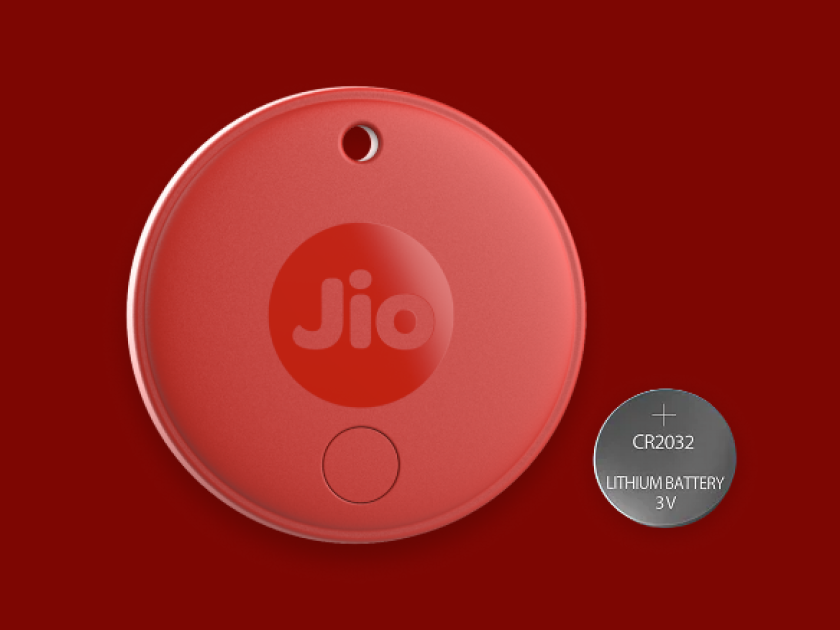
  • Remove the screw using a screwdriver.
  • Open the battery cover from the screw side.
  • Replace the battery with a new CR2032 battery, ensuring the "+" side faces up.
  • Close the battery cover.
  • Press and hold the power button for 5 seconds. If you hear the power-on sound and see the LED flash, the battery has been installed correctly.